

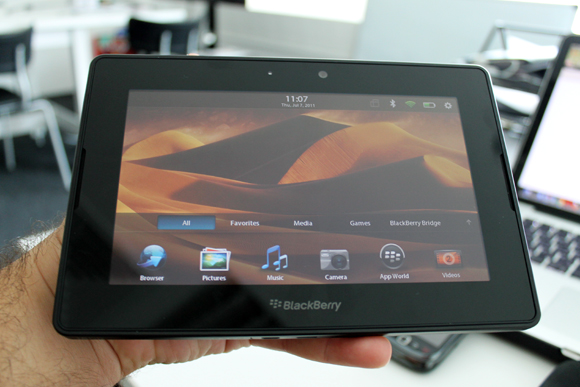
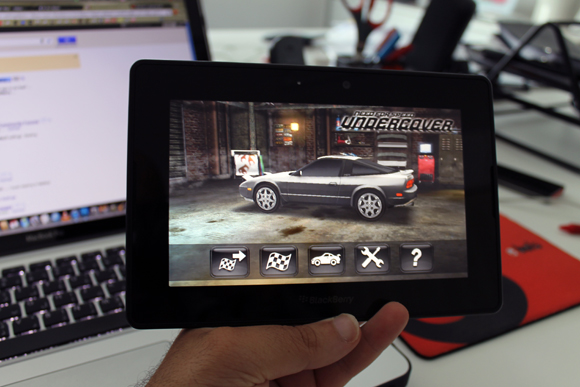
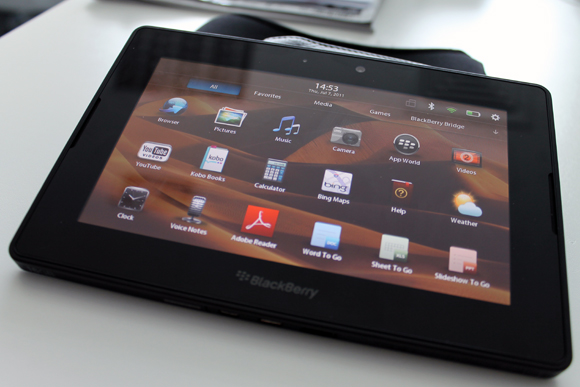
When your fingers start hopping across the PlayBook, BlackBerry’s 7-inch tablet, you feel like leaping through an intelligent, yet fun mobile experience that combines the average smartphone service from BlackBerry with what tablets have to offer. The PlayBook is powered by a fresh and cool flash-based operating system that enjoys full web browsing capabilities, smooth stack-based task switching, bridging with BlackBerry smartphones and a range of great native applications, however the lack of support for the Arabic language is an issue in this part of the world, we hope that RIM will move faster to resolve this issue.

I’ve always associated BlackBerry with work, it’s more of an extension to the office, but with the BBM and the social media apps, BlackBerry can also be fun, and this is the same approach that RIM followed when it tabbed into the tablets market. The PlayBook comes with some cool native apps like the office apps that includes the Adobe Readers for PDF files, Word to Go, a word processing app that enables to create documents and edit existing word documents from Microsoft, same with 2 other apps for excel sheets and powerpoint presentations.
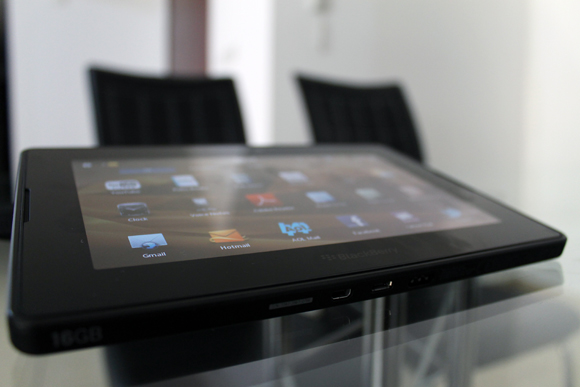
Facebook lovers can enjoy a full social experience with a native app that supports chat, which is missing in all Facebook mobile apps, at least the ones I tried, you can also get your notifications, messages, photos… etc. I liked the image viewer, it feels like browsing through images you have on your tablet.
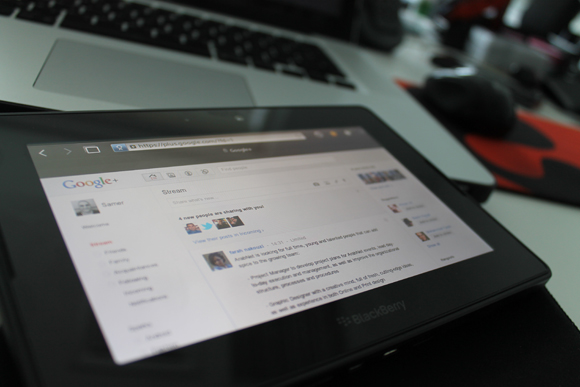
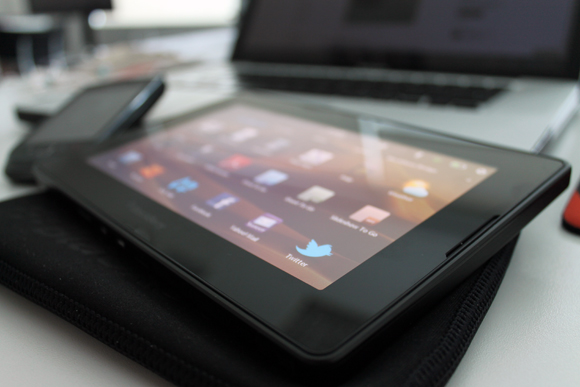
The PlayBook offers an uncompromised web browsing experience, you can enjoy the web just like you do on your computer, multi-easy-to-navigate tabs. This is good news for people who like the Google+, so far Google didn’t release apps for its newly launched social network and if your device has limited browsing capabilities you won’t really enjoy it, but on PlayBook you can have the Google+ in desktop view, the full picture. Twitter doesn’t have a native app as well on the PlayBook, but since this tablet has full browsing capabilities, you can enjoy a full wholesome Twitter.
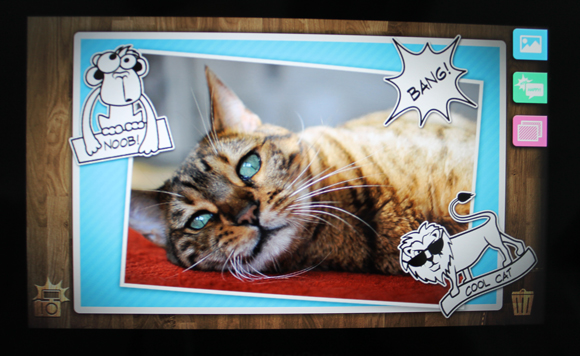
If you have a PayBook you have to download the Scrapbook app from BlackBerry’s App World, you will have a lot of fun with your photos, you can add cool stickers and comments to your photos and save them, watch the above video to get an idea who it looks like, you can get this app for free, it’s really cool!
One of the amazing PlayBook free apps is the News360, the great thing about this app is that it shows latest news and stories from more than 1000 news sources, like the Associated Press, MSNBC, Al-Jazeera, Twitter and more. You can tweet the story or share it on Facebook with a click of a button, but I guess it’s a matter of time before we start +1-ing stuff through this app, and others as well.
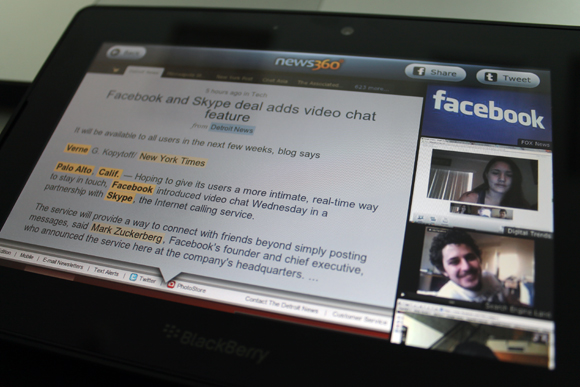
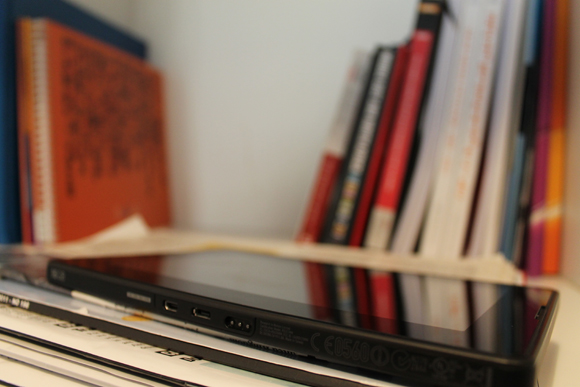
The PlayBook doesn’t contain any sim slots, so in order to connect to the internet you will have to go through a wifi network, or to pair it with your BlackBerry phone, but first you need to download a free app on your phone and then you can bridge the two devices. The bridging allows you to use your BlackBerry phone through the tablets, you can access your email, calendar, contacts…etc. and the good thing is that nothing gets stored on the PlayBook, so no need to worry about the privacy of your emails. In addition you can browse the internet through the bridge browser.
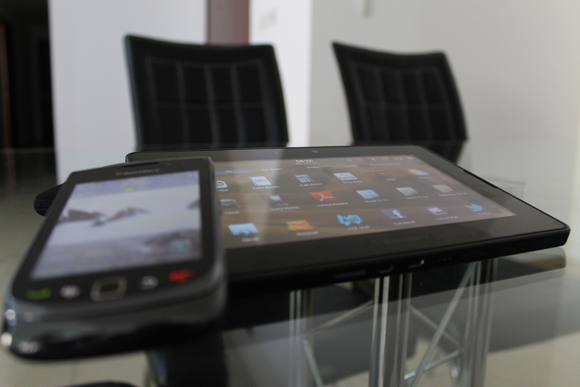
Navigation in PlayBook is very practical, the frame around the screen is part of your experience, you switch through running apps by sliding your finger from the sides of the tablets, and go to the main screen you need to slide your finger up from the absolute bottom of the PlayBook, and to close the app slide it out.

Samer Marzouq
Digital Media Superhero, Online Marketing Pro, Mad-Men Fellow, Tech Junkie, Advertising Whiz, Chief-Blogging-Officer, Bilingual Copywriter, Amateur Photographer
-
Enass
-
Alaa
-
http://www.radical-thinking.net Stephan