Lenovo IdeaPad K1: Fingers Playground!

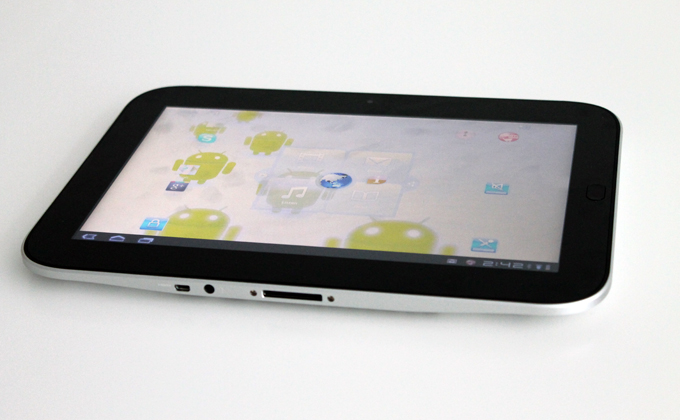

Last month Lenovo tapped into the tablet scene in the UAE with the launch of the IdeaPad K1, a 10.1″ Android-powered tablet powered by a 1.0Ghz dual-core processor and 1GB LPDDR2 RAM, the device is equipped with 2 cameras and comes with a really cool selection of pre-loaded apps including a full version of one and only Angry Birds and Documents to Go.
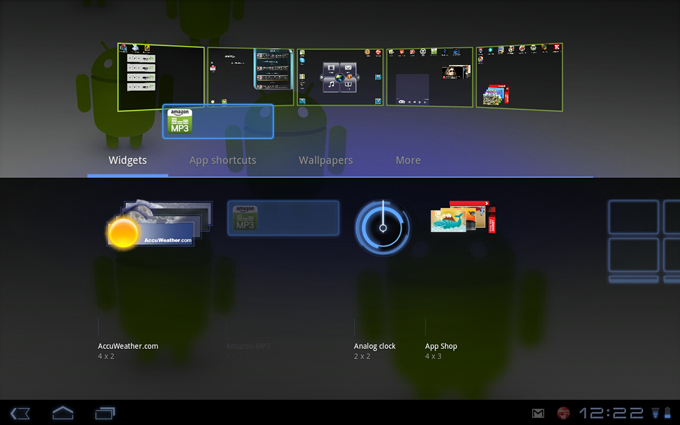
The K1 runs on Android 3.1 Honeycomb, a new tablet-only operating system that enjoys great multitasking capabilities along with an amazing UI design. The user experience is really cool, you have 5 fully customizable home screens for you to add the shortcuts and widgets you need, while customizing the home pages you feel like Tom Cruise in Minority Report, the device displays the 5 screens in front of you and all you have to do is to drag and drop the widget or the shortcut wherever you want, you can easily add and remove stuff from these screens and you navigate between them.
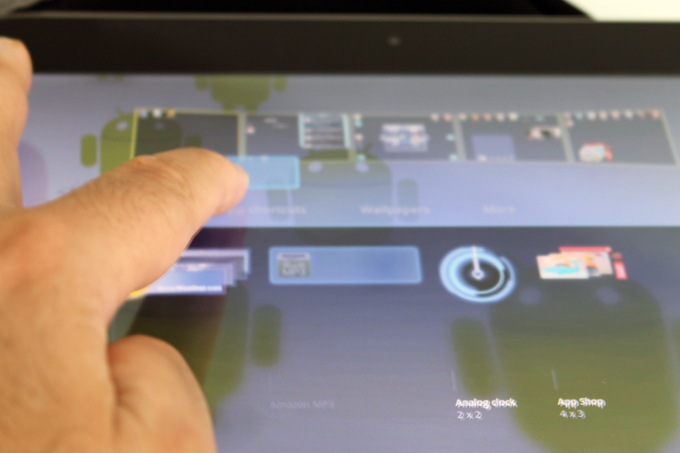
This is how you customize the home screens
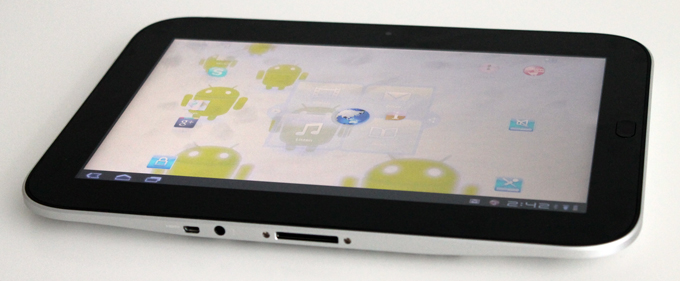
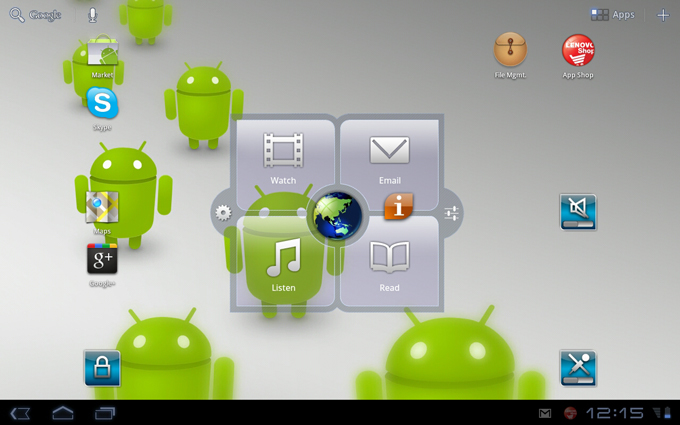
One of the things I liked about the K1 is the control buttons that are visible all the time, you can go back to the home page and view all the running applications to switch from to the other, other stuff that are visible all the time is the clock, battery meter and wifi signal, along with the Gmail icon, which makes it very easy for me to stay updated with the time, device status and of course my emails. Another thing that I liked is the central widget on one of the home screens, a combination of 5 different customizable shortcuts, with a sixth one to reach the setting of the tablets, a really cool feature.

The initial price for the K1 in the UAE is 1,999AED which makes it approximately 500AED cheaper than the iPad 2 and the 10.1″ Samsung Galaxy Tab, and what adds more value to the K1 is the pre-loaded application that worth $50, apps like the Angry Bird and Documents to Go.
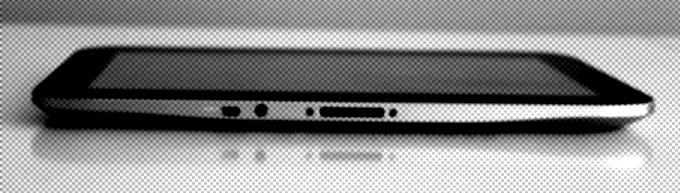
The K1 is equipped with 2 cameras, the main camera is 5MP while the front facing camera is 2MP, I tried to make a video call on Skype to see how will the front camera works but unfortunately it didn’t work out, the voice was going through but the screen turned black and I couldn’t do anything until the person on the other side hung up, seems like Skype is not fully optimized yet for the Lenovo K1.
The camera has some decent photography capabilities, you can determine the white balance whether Cloudy, Fluorescent, Daylight or more, you can also add a color effect like the Sepia or the Solarize, in addition you have a list of scene modes to select from for shooting at night, on the beach in snow and more. The white balance and color effect is also available for the video shooting, you can shoot in HD with the K1 and you can define the time lapse interval, a good tool to create short time-lapse videos.

Pre-loaded apps include the Workshop app for photo editing and Movie Story for video editing, with the Workshop you have different editing choices including the basic features like resizing, cropping and rotating, in addition to tuning the saturation, sharpness, white balance and more. There are some cool effects that you can add to your images like the one that adds rain drops all over the image, with the ability to determine the size and angle of the drop. Among the effects and masks that I liked is the classic Antique effect and the Cartoon style, you can create some cool photo with this app.
With the Movie Story you can combine videos and photos to create videos, with this app you can add a music track and some cool effects to the video, it’s a really cool app for a mobile device.
There are 2 more apps that turn the K1 into a painting canvas, the PhotoStudio and the Drawing Pad, these apps are really cool specially for the kids, it help them unleash their creativity, and for us at work, to kill some time! Speaking of photos and fun, if you press on the home key, the physical key, the device will take a screenshot of the app/screen you are currently on.
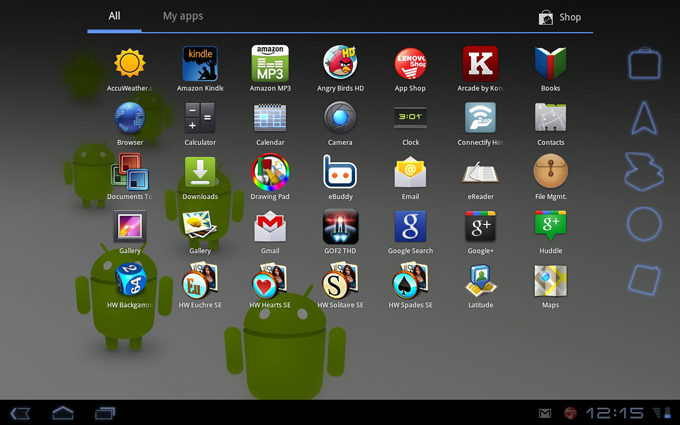
The Android Market has more than 250,000 apps, some of these apps are also available on the Lenovo App Shop, in order to start downloading stuff there you need to create an account, and you will have to enter your credit car information in order to proceed, I think credit card shouldn’t be mandatory, I guess the majority will download free apps, I guess few will purchase. The good thing is that I didn’t face any issues with the Android Market, I remember I wasn’t able to download apps on a different tablet, but this time it worked fine.
The central widget on the home screen:
The Document To Go is a wonderful app to create and edit office files, word documents, excel sheets and powerpoint presentation, you can also access your Google Docs account and edit files stored on the cloud, I couldn’t find a way to upload local files to the cloud though, but this is a must have app.
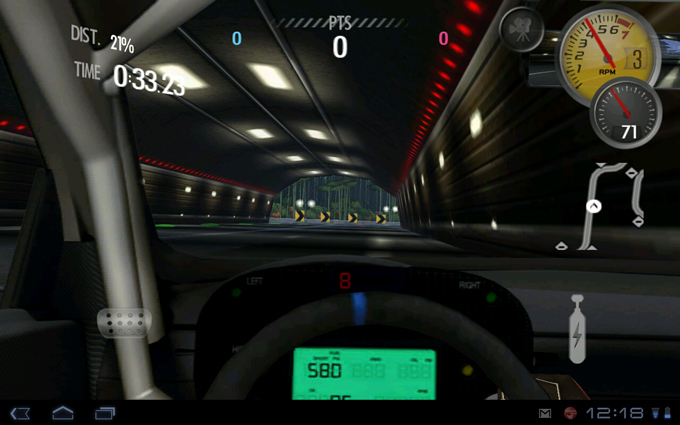
Need For Speed is a gave that you should try, it’s a great experience, just tilt the K1 and you will have fun!
The Need For Speed indeed!
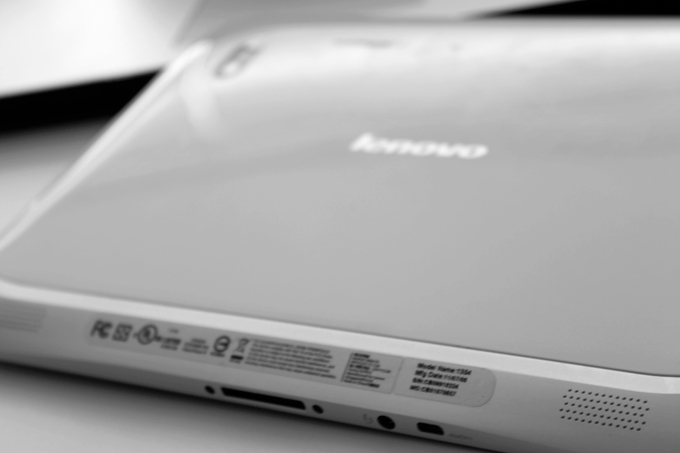
The sound is really loud and clear, thanks to the dual speakers on the back, the design of the K1 doesn’t block the sound so that you can enjoy it
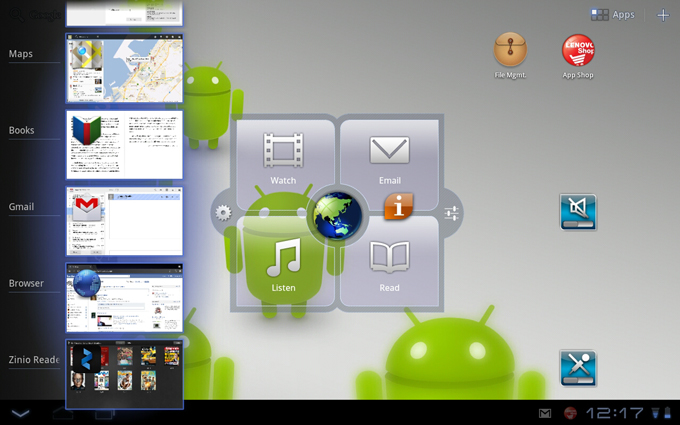
The multitasking menu, you can click on the icon at the bottom of the screen and you will get the list in order to switch from one app to the other
The Zinio Reader
Places, an app that takes you places!