
It’s very rare that I would go “WOW!” when I see a new gadget, but when I saw the Parrot AR.Drone I thought this is a super cool gadget, and frankly it is a very cool gadget, it looks like a mini-spaceship, it shoots videos and stills and the way it maneuvers is quite impressive.
The Parrot AR.Drone 2.0 is a 4-engine dual-camera WiFi-connected flying gadget that can be operated by a tablet or a smartphone, the Drone is compatible with Android-powered devices as well as iPhones and iPads, once connected to your device via the WiFi, the Drone is ready to fly and capture videos and photos with the help of the free mobile app.
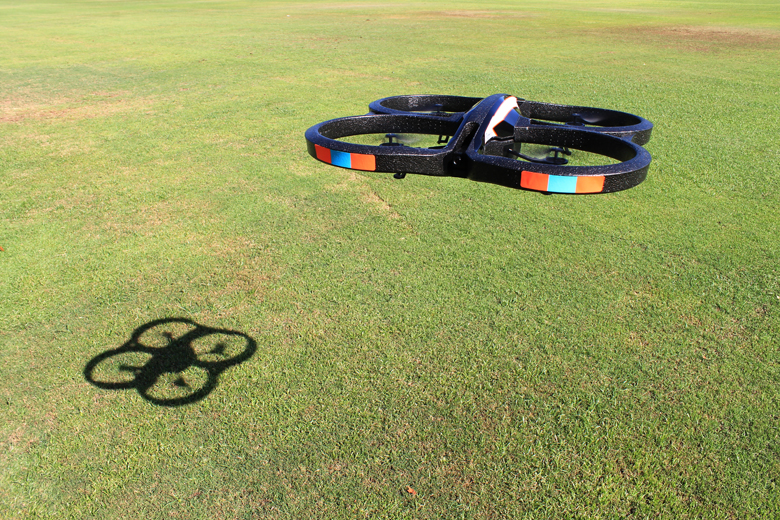
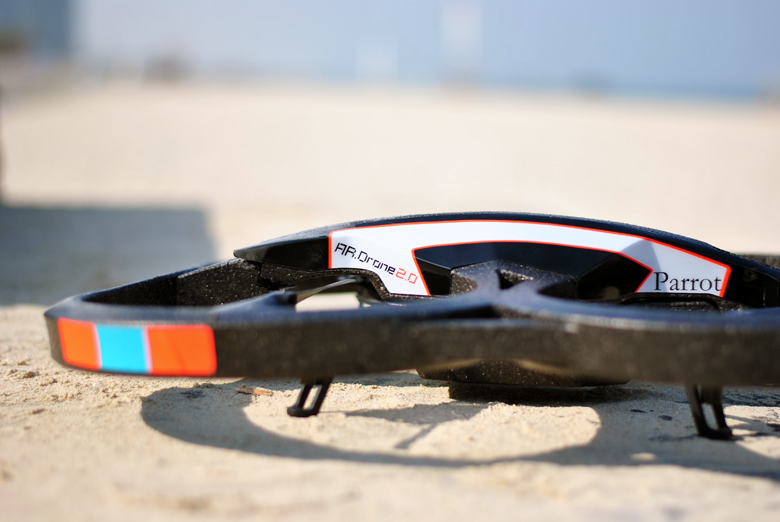
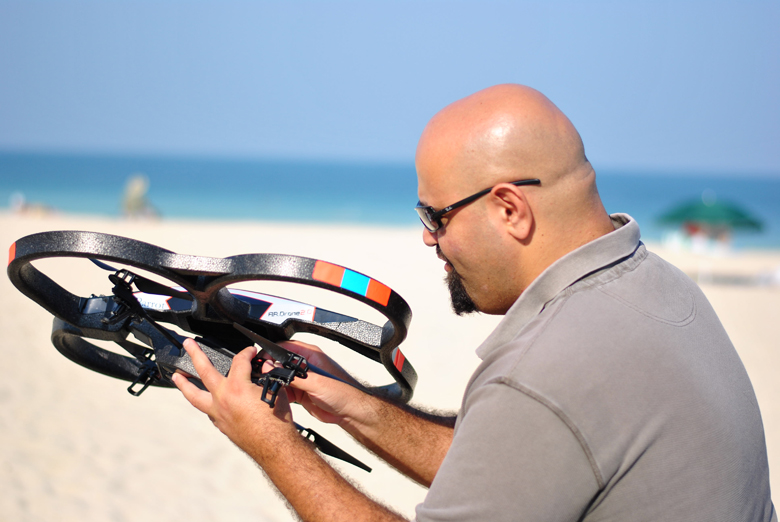
The Drone comes with two hulls, personally I prefer the one with the apertures because it looks much cooler that the plain one, and it’s much safer in case of any accidents, but because of its design it shows more resistance to wind so you have to check the weather before hitting the park or the beach as it’s not advised to fly the Drone when the wind speed is more than 15km/h.

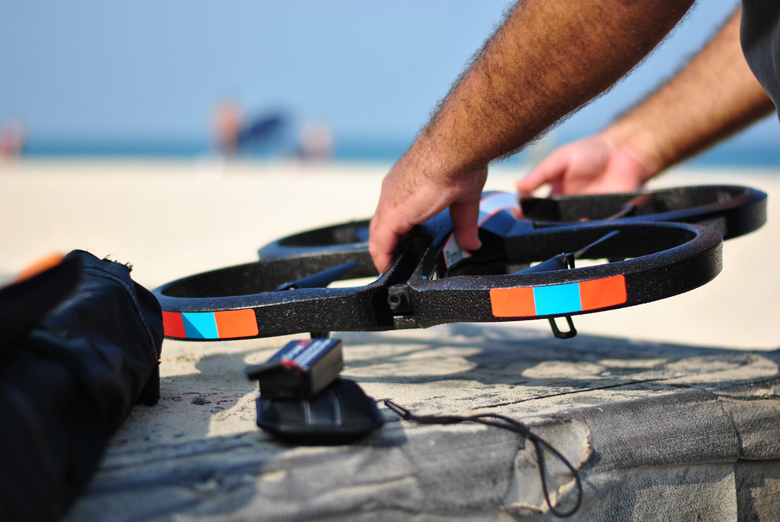
Both hulls can be easily attached to the Drone, and you should be choosing which one to use based on whether you’re flying it indoors or outdoors, according to the manual, the aperture hull is more suitable for indoor flying while the removable (plain) hull was designed for outdoor use, now using the removable hull indoors can be a bit dangerous as you might hurt someone or damage the gadget itself in case of any accidents, but I think this applies for outdoor use as well, I mean if you hit anything while using the removable hull you might damage the airplane.
The Drone can fly at a speed of 18km/h, but unfortunately not for a long time, the battery can power the airplane for up to 12 minutes only, so if you are a gaming fanatic it’s probably a good idea to bring couple of extra batteries to enjoy it more.
The mobile app turns your smartphone into a joystick, and at the same it functions as an education center where you can find tips, join the Drone Academy and watch videos shot by other users, you can also browse through the videos and photos that you’ve shot on your smartphone or tablet.
The app is divided into 4 areas, on the top you’ll find the menu where you can snap photos, activate video recording, switch between cameras and change the settings, while at the bottom of the screen you will find the take off/landing button. The controls are embedded on both sides of the screen, the one to your right helps you control the altitude of the Drone and allows to rotate it in both directions.
To your left you will find the controls that allow to move the plane in the 4 directions, you need to tilt the phone to determine the direction you want to move the plane into while holding the controls, tilting it away from yourself will move it forwards while titling it towards yourself will move it backwards, depending on the direction the front camera is pointing at, same applies for right and left movement.
The Drone is not just a big boy toy, it can be very useful if you are into making videos and films, it’s equipped with 2 cameras, the one in front can shoot with a frequency of 30fps at a resolution of 1280X720 pixels, while the one at the bottom can shoot with a frequency of 60fps at a resolution of 320X240 pixels. I believe there is a room for a lot of improvements on both cameras, but having all these capabilities at a reasonable price, AED1400, is a good thing.
At the beginning it’s better to play around with the Drone in a place with the minimum number of obstacles until you get comfortable with it, that’s when all the fun begins! And of course you should respect people’s privacy, all the time.
I would like to thank my friend Bilal Al-Ghazi from Shanasheel.com for helping me in this review!

Samer Marzouq
Digital Media Superhero, Online Marketing Pro, Mad-Men Fellow, Tech Junkie, Advertising Whiz, Chief-Blogging-Officer, Bilingual Copywriter, Amateur Photographer